en

Connect IQ data field for Garmin Edge
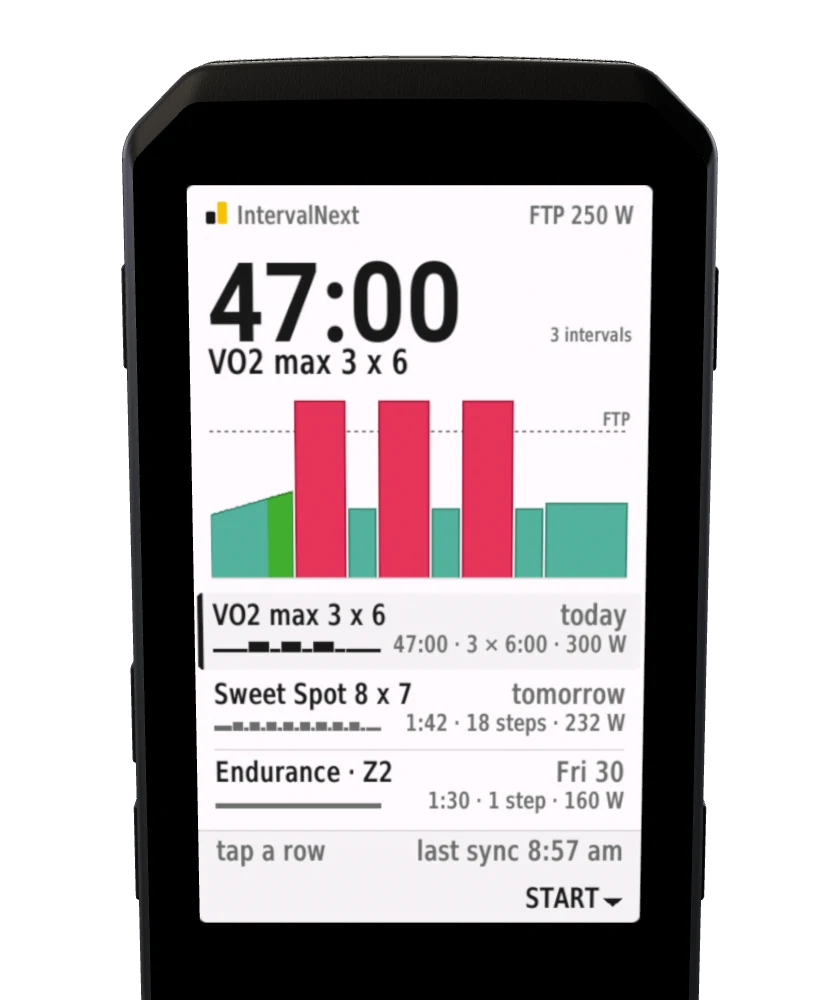
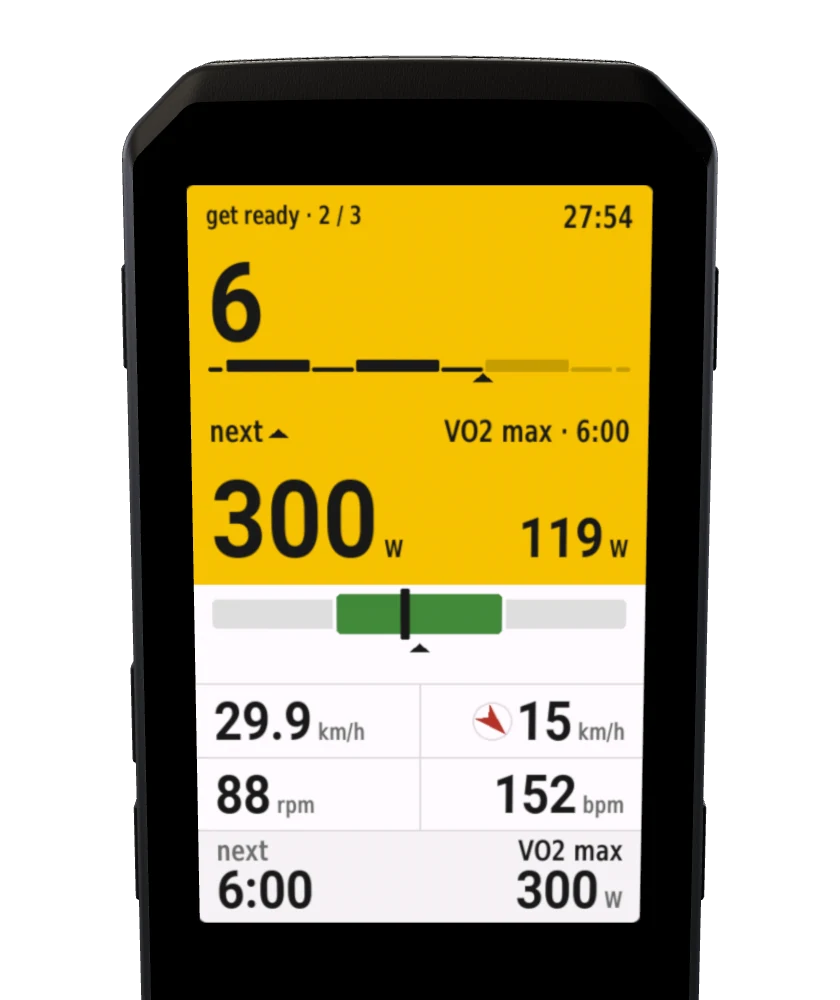
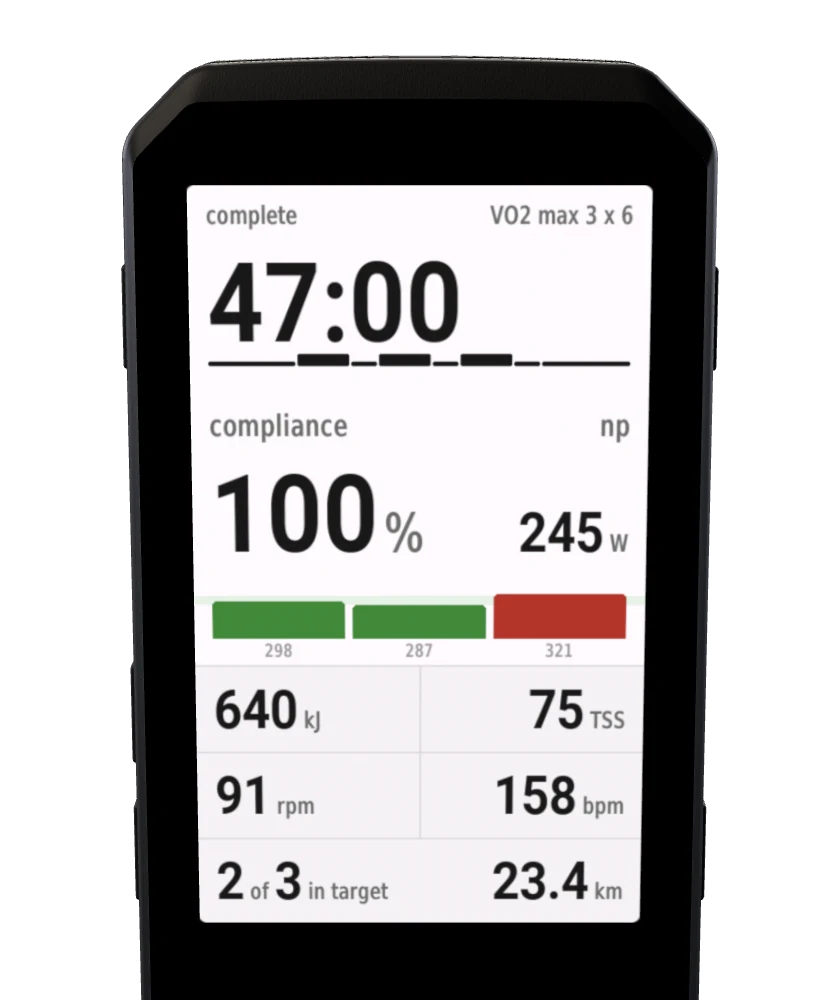
Today's plan, step by step: big numbers, a warning before every change, and your trainer held on target.Every step, every target, up to ten seconds early.
*Edge 530, 540, 550, 830, 840, 850, 1030, 1030 Plus, 1040, 1050, 1060, Explore 2, 3, 3 Plus, MTB
Start to finish
At 40 km/h
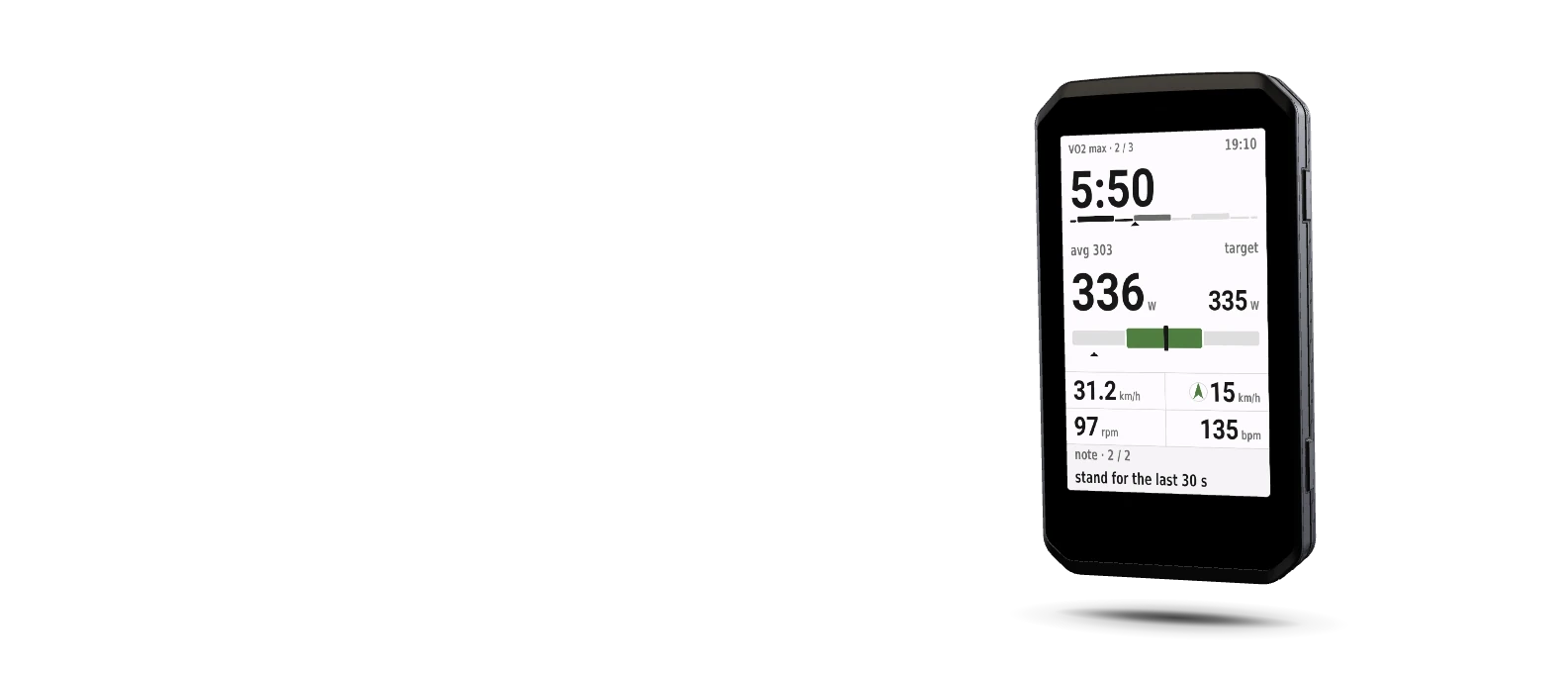
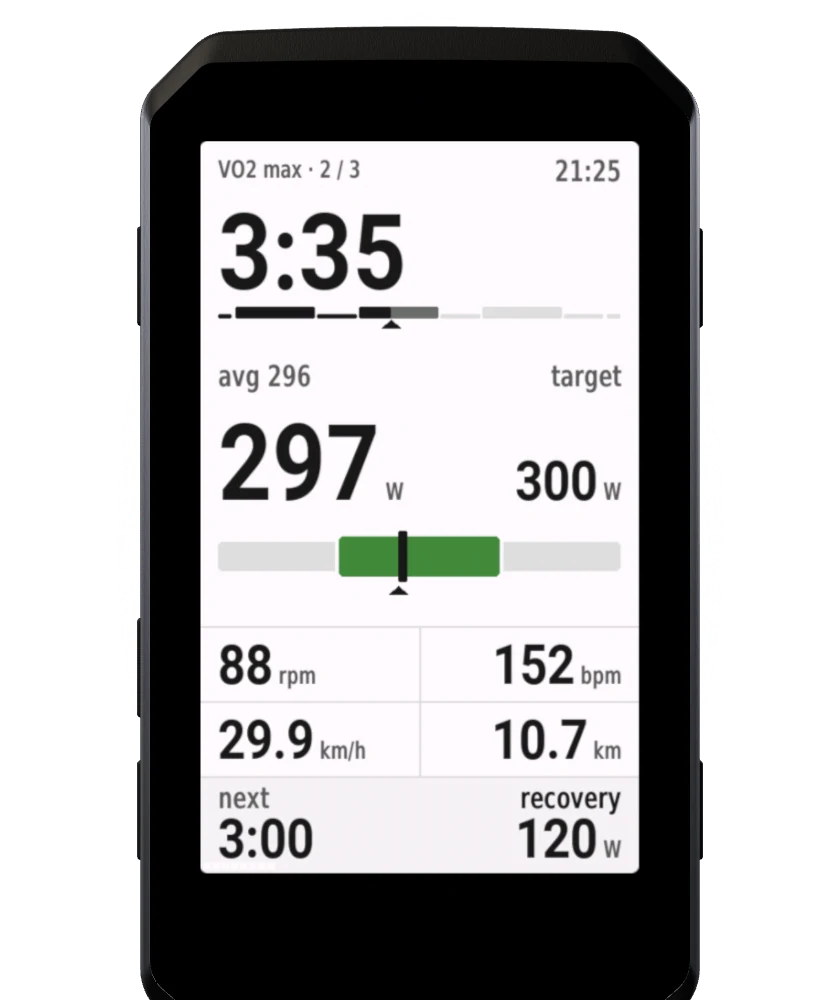
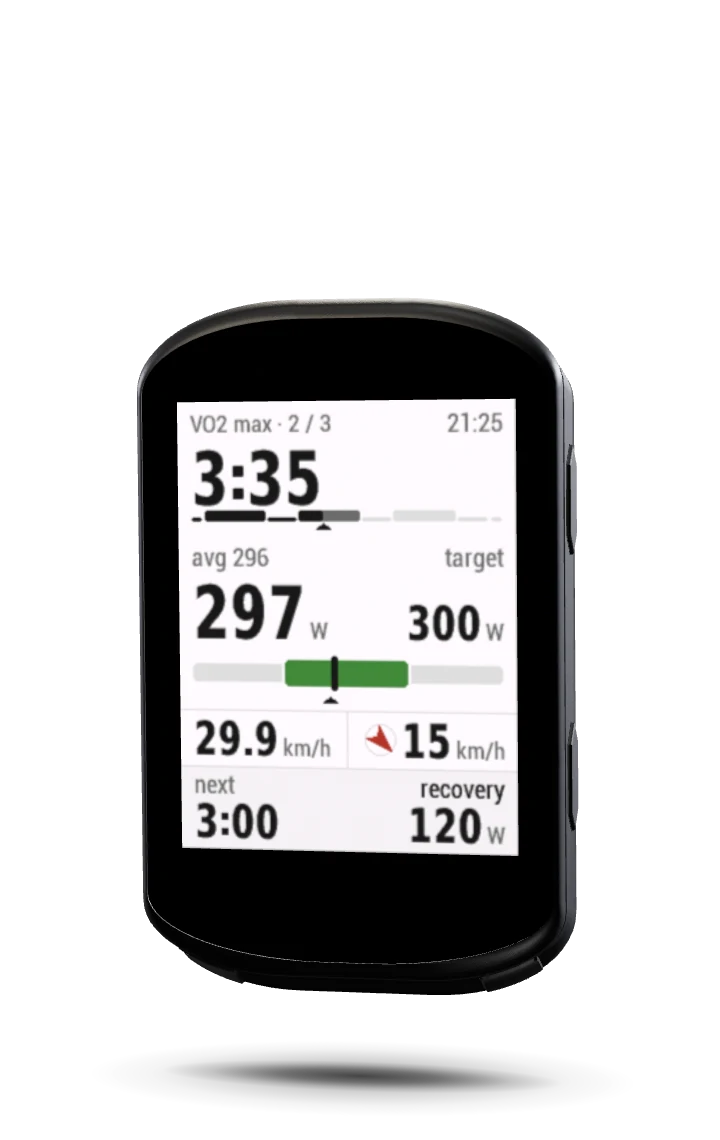
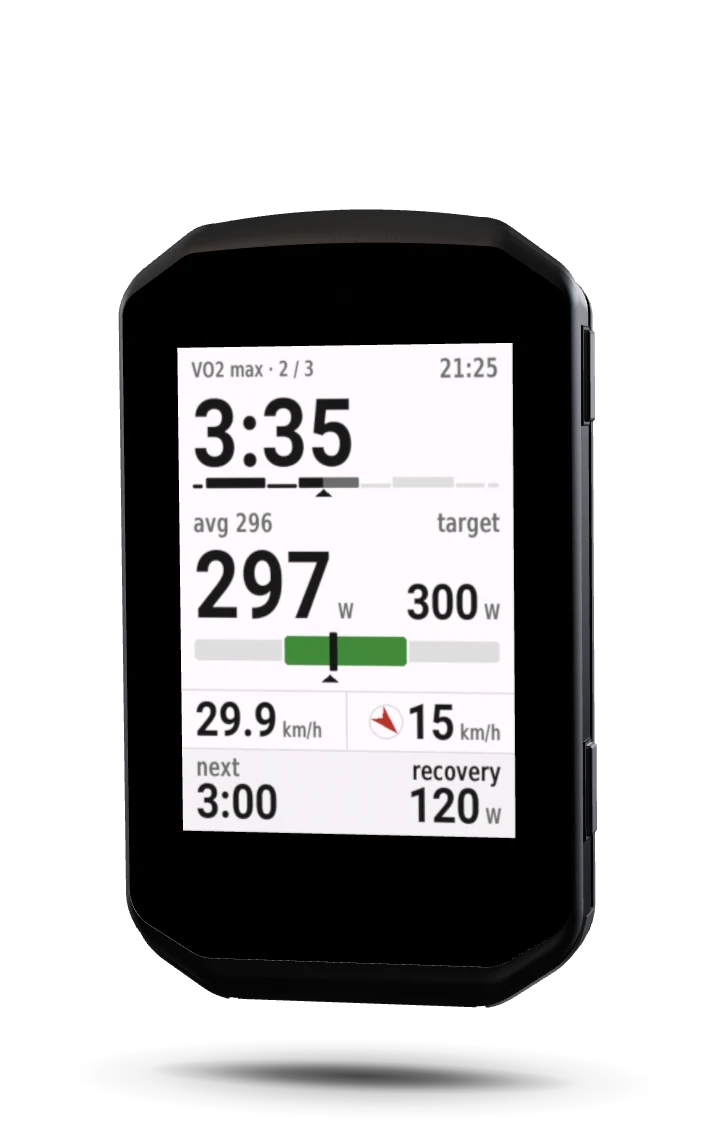
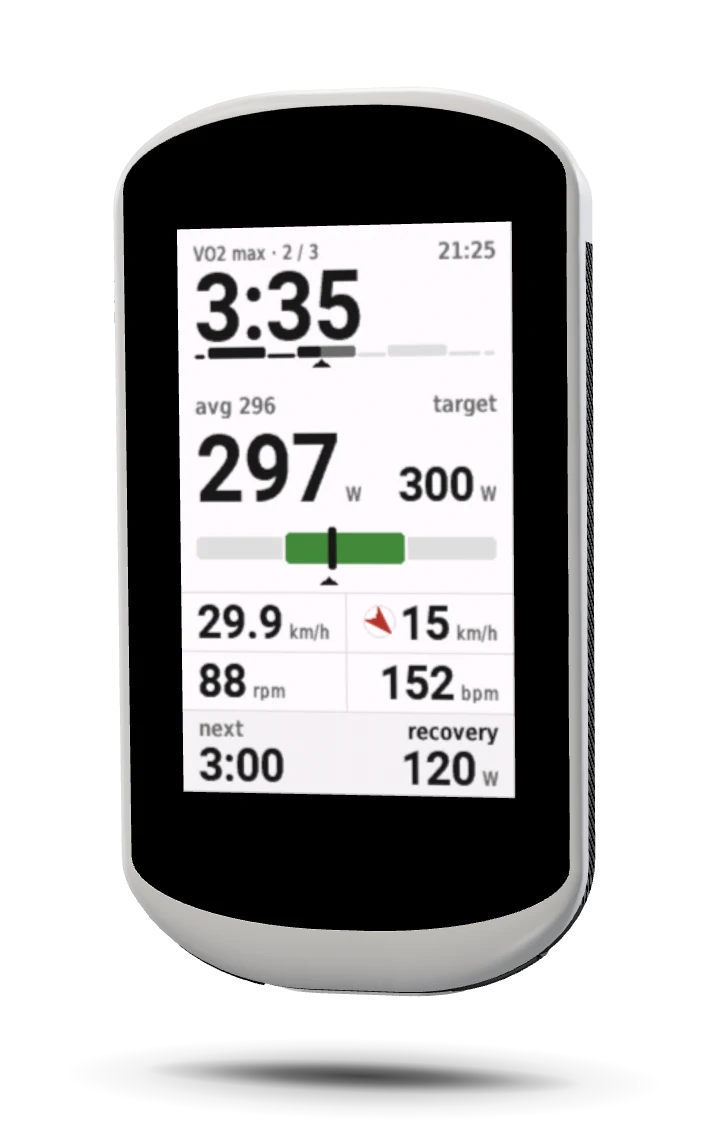
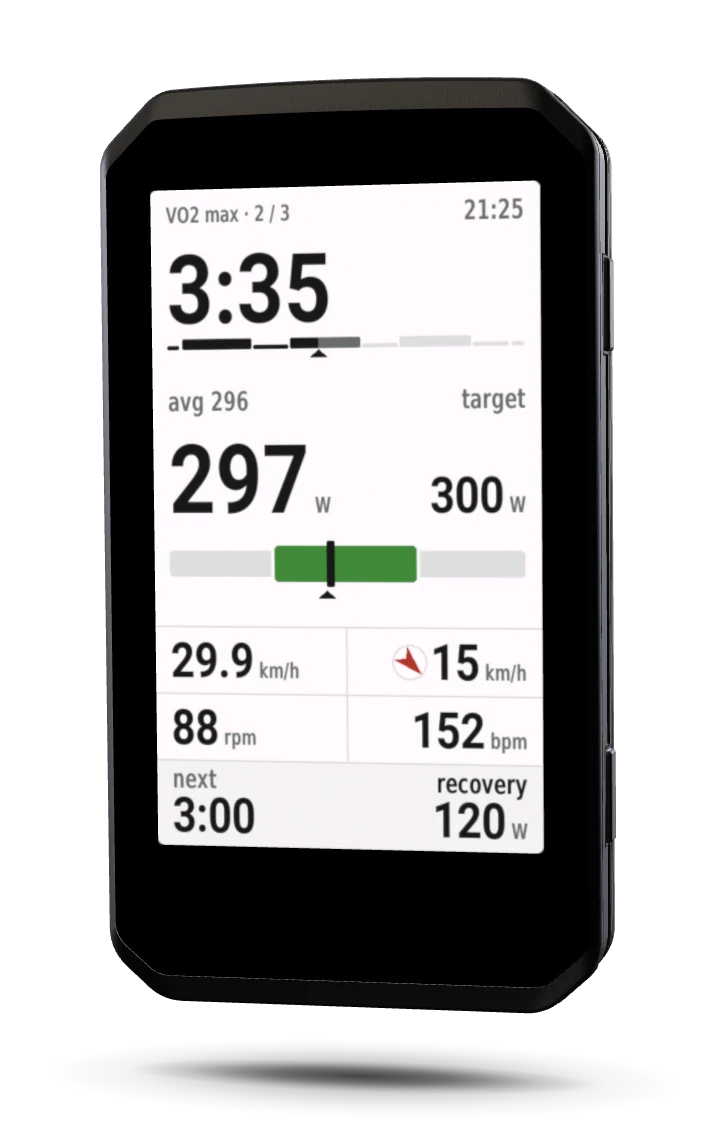
Time left and your power are the biggest things on the screen, 8 mm tall on an Edge 1060. Everything else steps back until you look for it.
Any field size
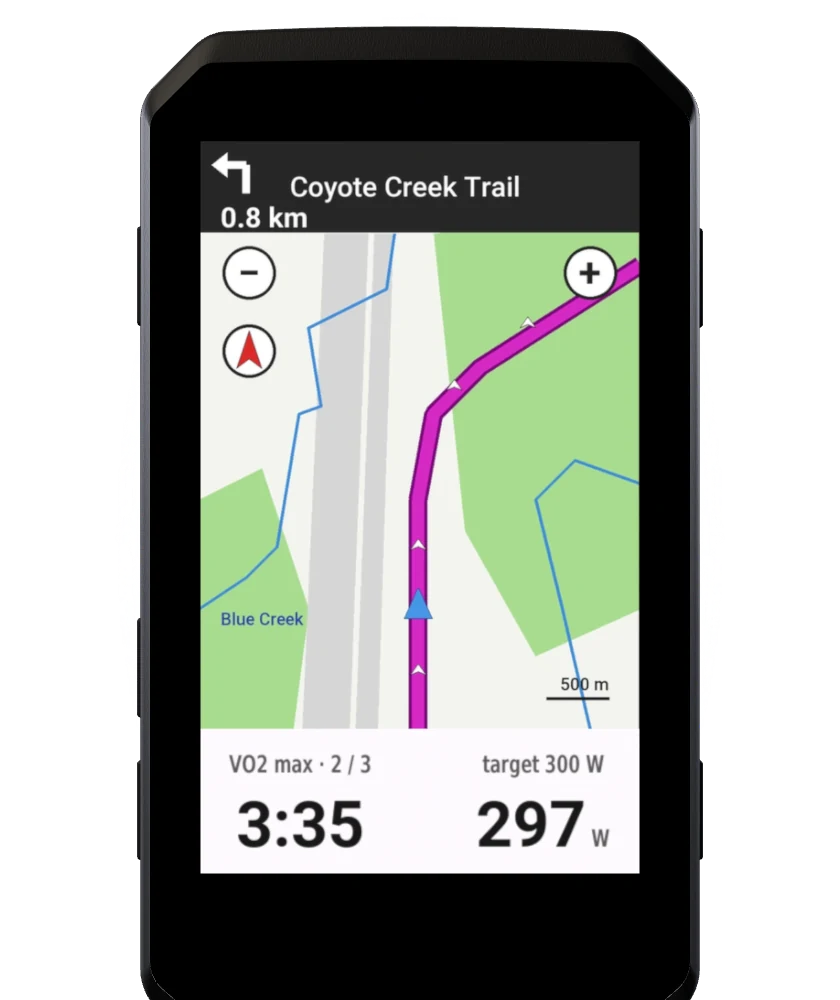
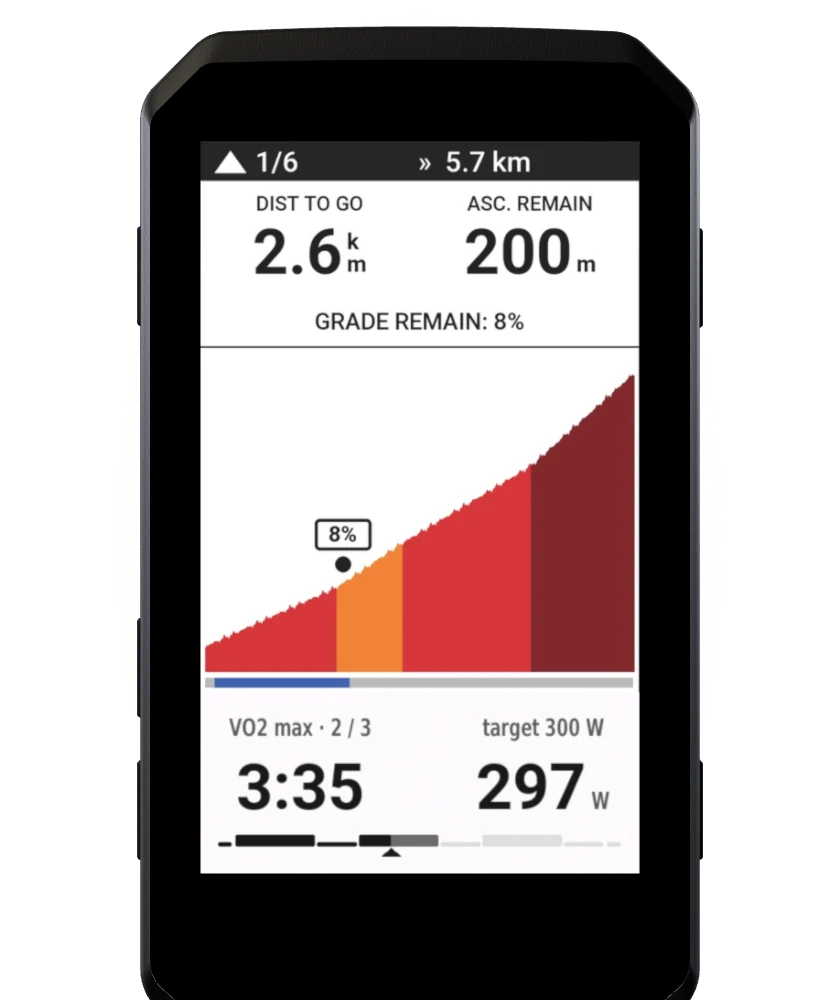
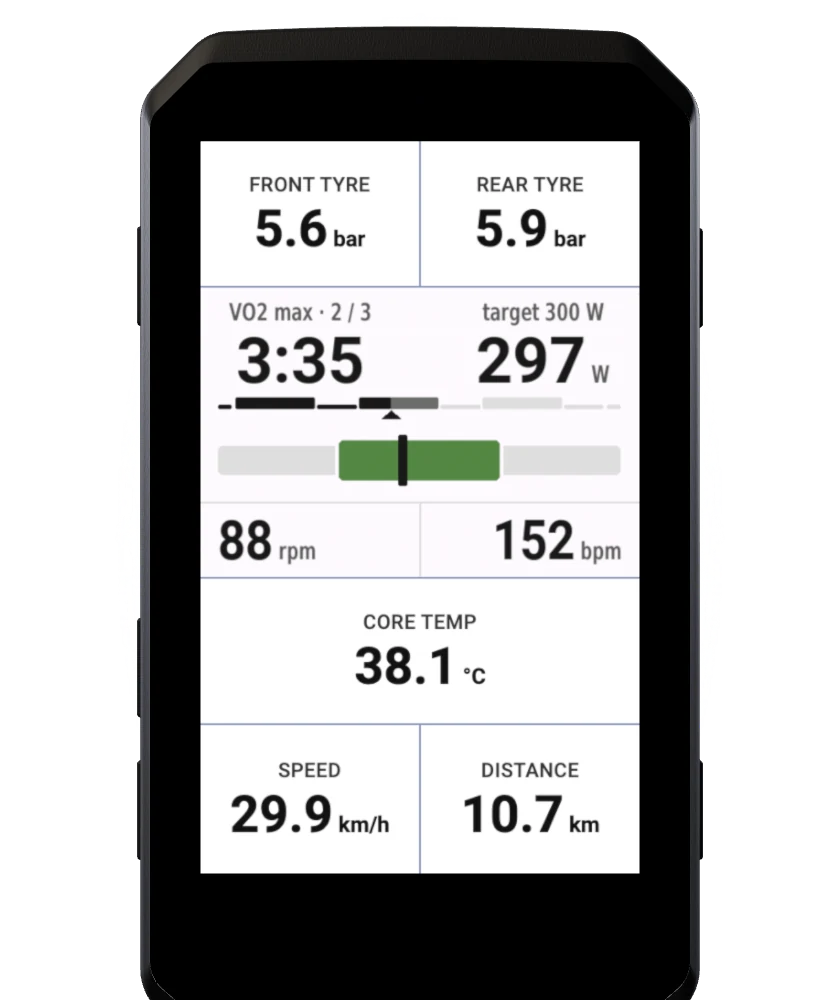
The map, the climb and the other fields are illustrations; the IntervalNext parts are real captures from an Edge 1060.
13 Edges · 8 layouts
Each layout has its own positions and fonts, so the numbers are as large as the glass allows. Shown at true relative size.
One price
14,95 €once
Shown in your currency at checkout, tax included. No subscription, no account.
Setup · about ten minutes, once
Who's behind it
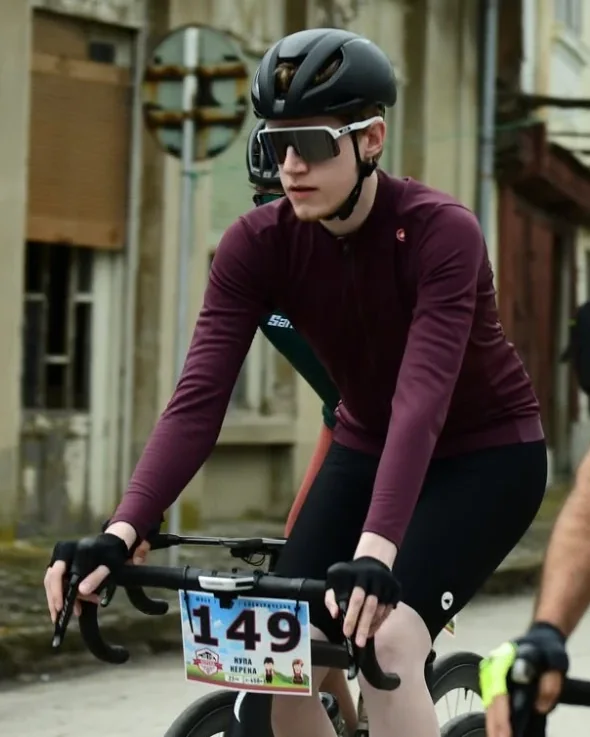
I built this data field because I wanted the ultimate training tool for my own rides. When you're pushing 40 km/h, you need numbers you can read in a split second, not a cluttered screen. By building my own workout engine completely independent of Garmin's native system, I could finally make road intervals feel the way they should—and even bring structured workouts to devices like the Edge Explore 2 that don't natively support them.
Plamen PetrovCybersecurity engineer and road racer · Veliko Tarnovo, Bulgaria
Yes, that is where your plan lives, and the free plan is enough. You link it once by scanning the code on the Edge and allowing IntervalNext on intervals.icu. IntervalNext only reads your planned workouts and your FTP, and you can revoke access there at any time.
Yes. Power, heart-rate and cadence targets, ramps and your coach's notes all come through from intervals.icu.
No. Heart-rate steps run on your heart rate, and power steps without a meter run on the clock, so the countdown, the warnings and the plan still work.
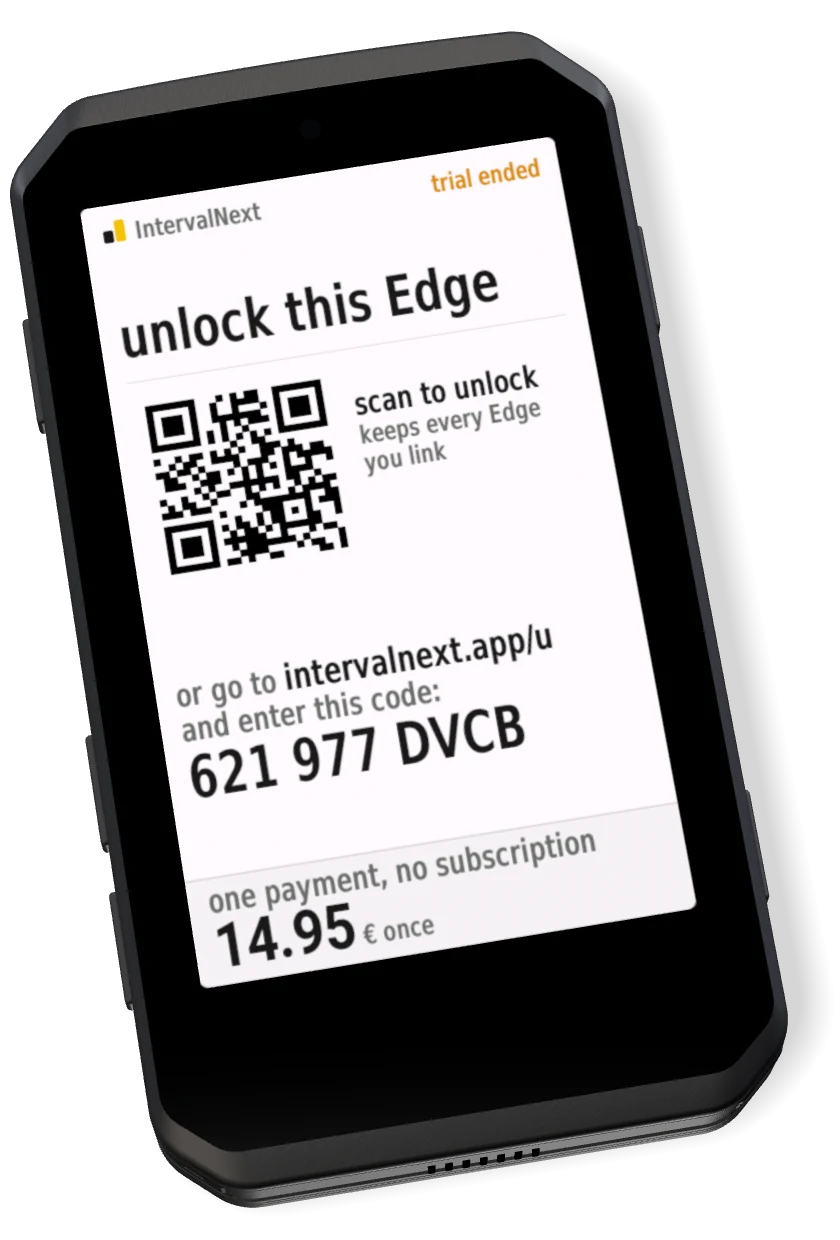
On day 15 the Edge shows the unlock screen instead: the one-off price, a QR code and a code to enter. Your Edge records rides as always; the workout engine waits until it is unlocked.
Once, for about a minute: the field checks the licence over your phone's connection, the same way it syncs workouts. After that it stays unlocked with the phone off.
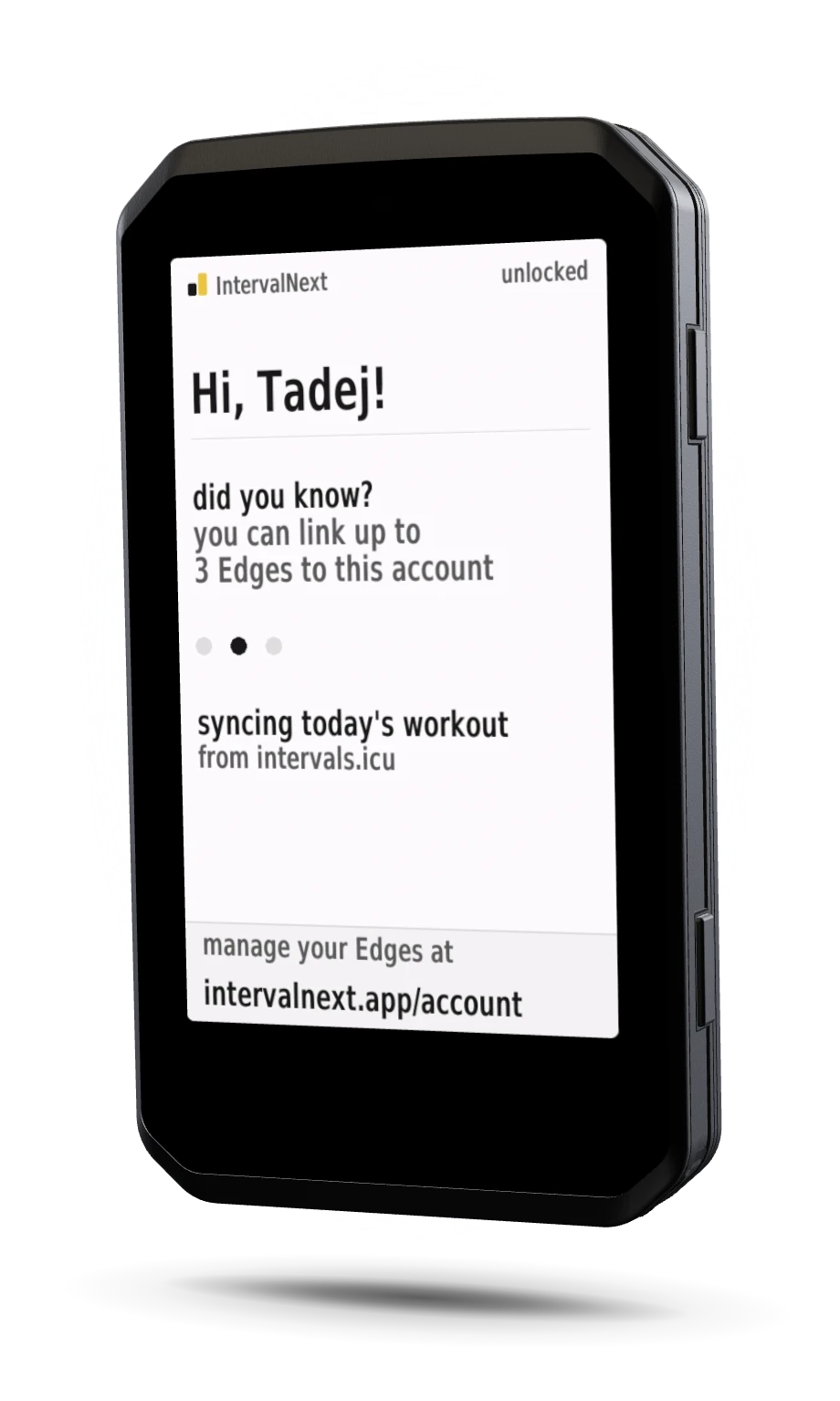
The licence is yours, not the device's. Link the other Edge to the same intervals.icu account and it unlocks at once, with no second payment. Up to three Edges at a time; release one on your account page.
One press moves to the next step, as in Garmin's own workouts, and also ends an open step. The Edge's automatic laps never skip a step. To pause, press the start/stop button as on any ride.
Yes. A trainer paired to the Edge is held at each power target, ramps included, and let go on heart-rate steps, steps with no target, pauses and at the end. Outdoors it does nothing, and you can switch ERG off in the settings.
No. Put it on a page of its own for the full instrument, or in one field of a page with others: a row of a four-field page, a strip under the map, or half a cell. In any of them, it shows the countdown, your power or heart rate against the target, and the over- or under-target colour, plus the session's progress where there is room.
Explore 2, 530, 830, 540, 840, 550, 850, 1030, 1030 Plus, 1040, 1050, 1060 and the Edge MTB. Each gets its own layout, cut for its screen and fonts.
More in the docs.
IntervalNext is an independent product and is not endorsed by Garmin. Garmin®, the Garmin logo and Edge® are trademarks of Garmin Ltd. or its subsidiaries, registered in the USA and other countries. Connect IQ™ and Garmin Connect™ are trademarks of Garmin Ltd. or its subsidiaries. These trademarks may not be used without the express permission of Garmin.